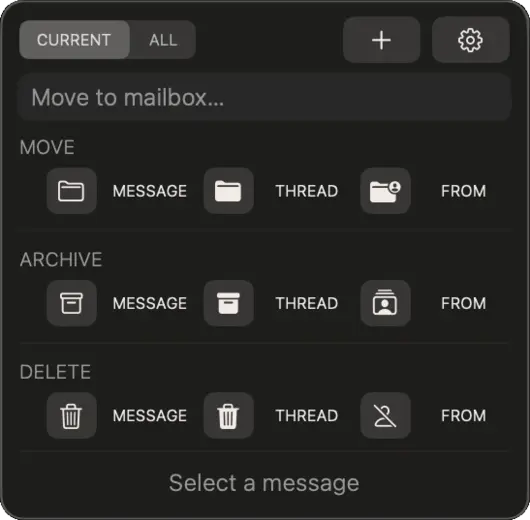
01 — The panel
Three actions. Two scopes.
Sortail adds a floating panel above Apple Mail with three actions: Move, Delete, and Archive. Each works on the selected message, the entire thread, or all messages from that sender.
The Current / All toggle sets the scope for Thread and Sender actions. Current limits the action to the open folder; All operates across your entire Mail library.
The panel appears automatically when Mail is frontmost and hides when you switch away.
02 — Compact mode
Less space, same power.
Switch to Compact mode for a slim horizontal toolbar that fits neatly at the top or bottom of your screen. All nine actions are still there — arranged in a single row.

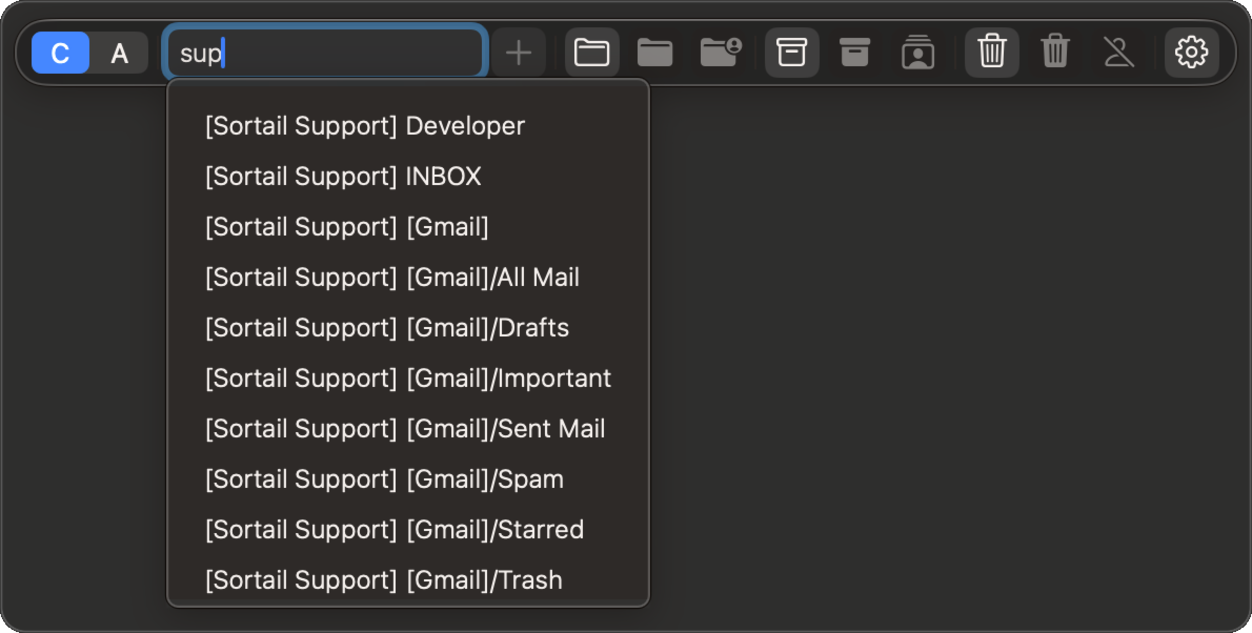
03 — Mailbox picker
Find any folder in seconds.
Tap Move to open the mailbox picker — every folder across all your accounts in one place. Start typing to filter with fuzzy search. No need to remember exact names.
With Pro, the picker pre-fills the destination based on your filing history. The more you use it, the smarter it gets. Pro
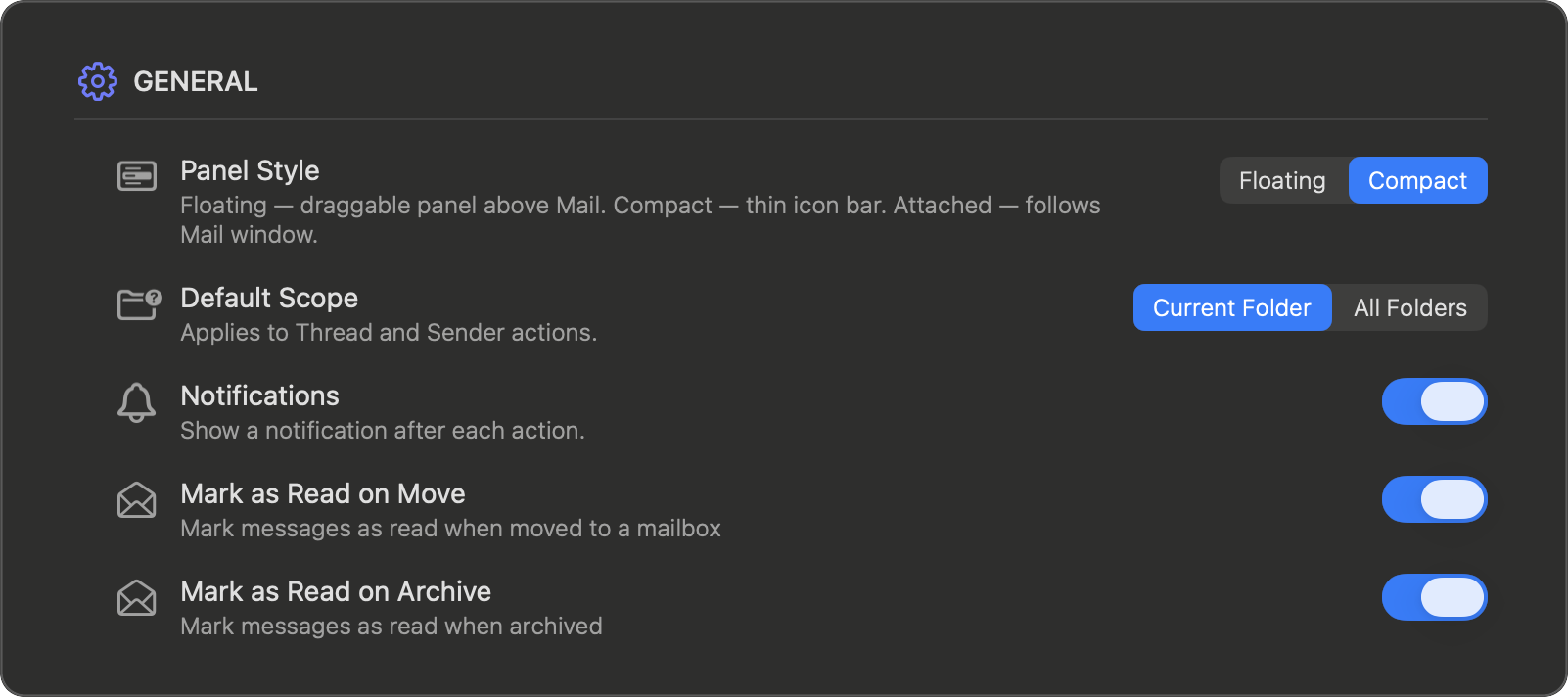
04 — Settings
Set it up once.
Open Settings from the Sortail icon in your menu bar. Choose between Floating and Compact panel styles, and set the default scope for Thread and Sender actions.
Toggle Mark as Read on Move and Mark as Read on Archive if you want filed messages to also be marked read in one step.
The Confirmations section controls which bulk actions show a dialog before running. Each dialog shows the message count and a scope toggle. Check "Don't ask again" to skip it permanently.
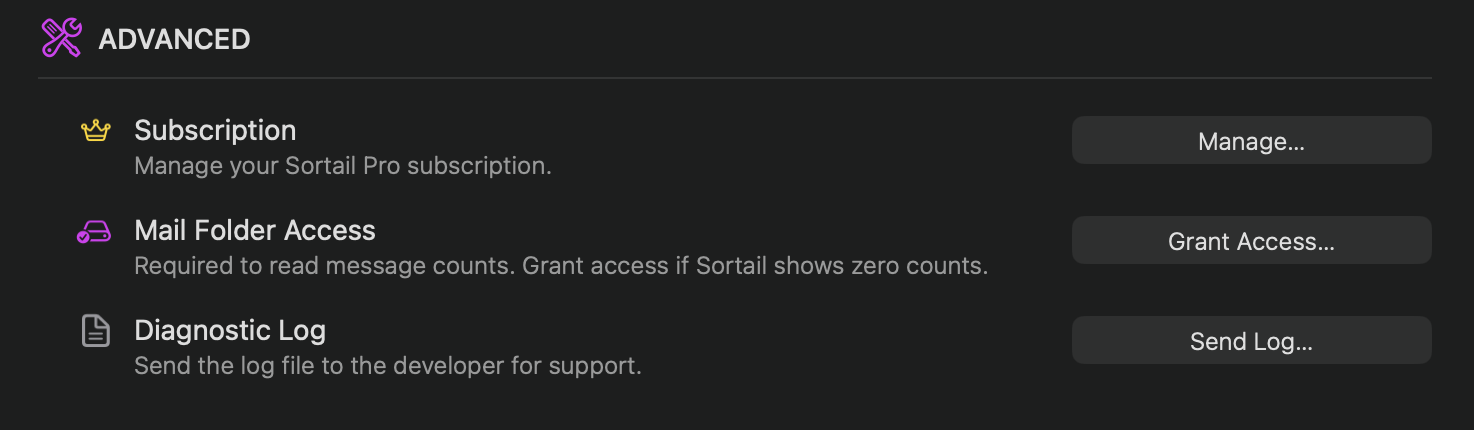
Sortail's core actions rely on two macOS permissions. Mail Folder Access gives Sortail your mailbox list. Automation (Apple Mail) lets it move, delete, and archive messages on your behalf.
If a permission ever drops, a small ⚠ icon appears in the corner of the panel. Click it — Sortail will tell you exactly what to enable. Green dots in Settings → Permissions confirm everything is in place. For Gmail accounts, the optional Gmail integration archives, moves and deletes the way Gmail itself does.
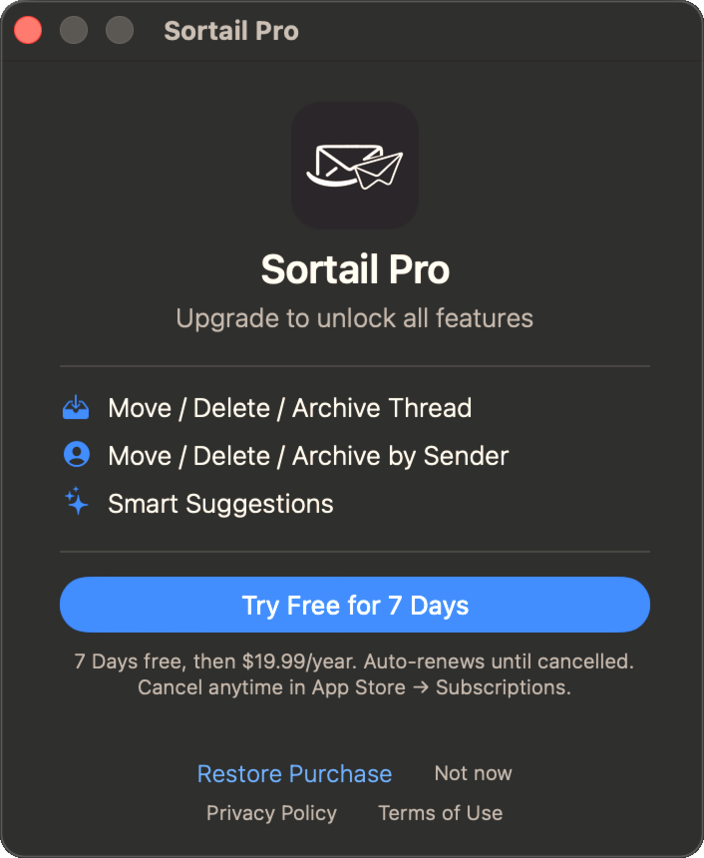
05 — Sortail Pro
Unlock the full toolkit.
The free version lets you act on individual messages. Pro unlocks Thread and Sender actions — file or delete an entire conversation, or clean up all mail from a sender, with a count preview before it runs.
Pro also enables Smart Suggestions in the mailbox picker — the more you file, the better it predicts where the next message should go.
Sortail Pro costs $19.99 per year. A 7-day free trial is included — no charge until it ends.
06 — Support
Something not working?
Sortail can send a diagnostic log to the developer. Open Settings → Advanced and tap Send Log. A pre-filled email will open with the log attached — just hit send.
For anything else, reach us at support@sortail.com — we usually respond within one business day.